Filtering by tags allows to reduce the shown items in a list. Tags are used on:
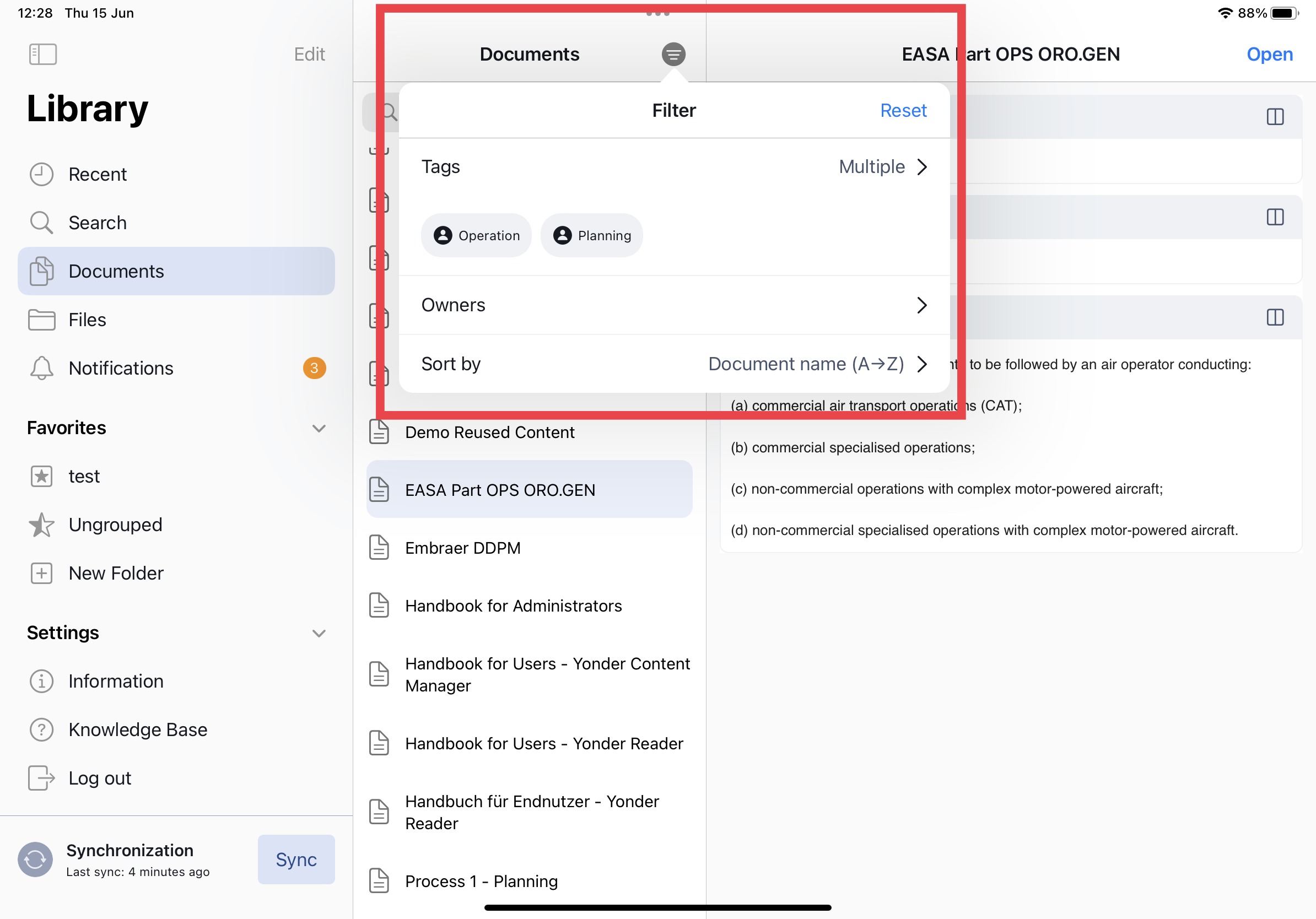
- Documents (in the document list)
- Modules (in the document view)
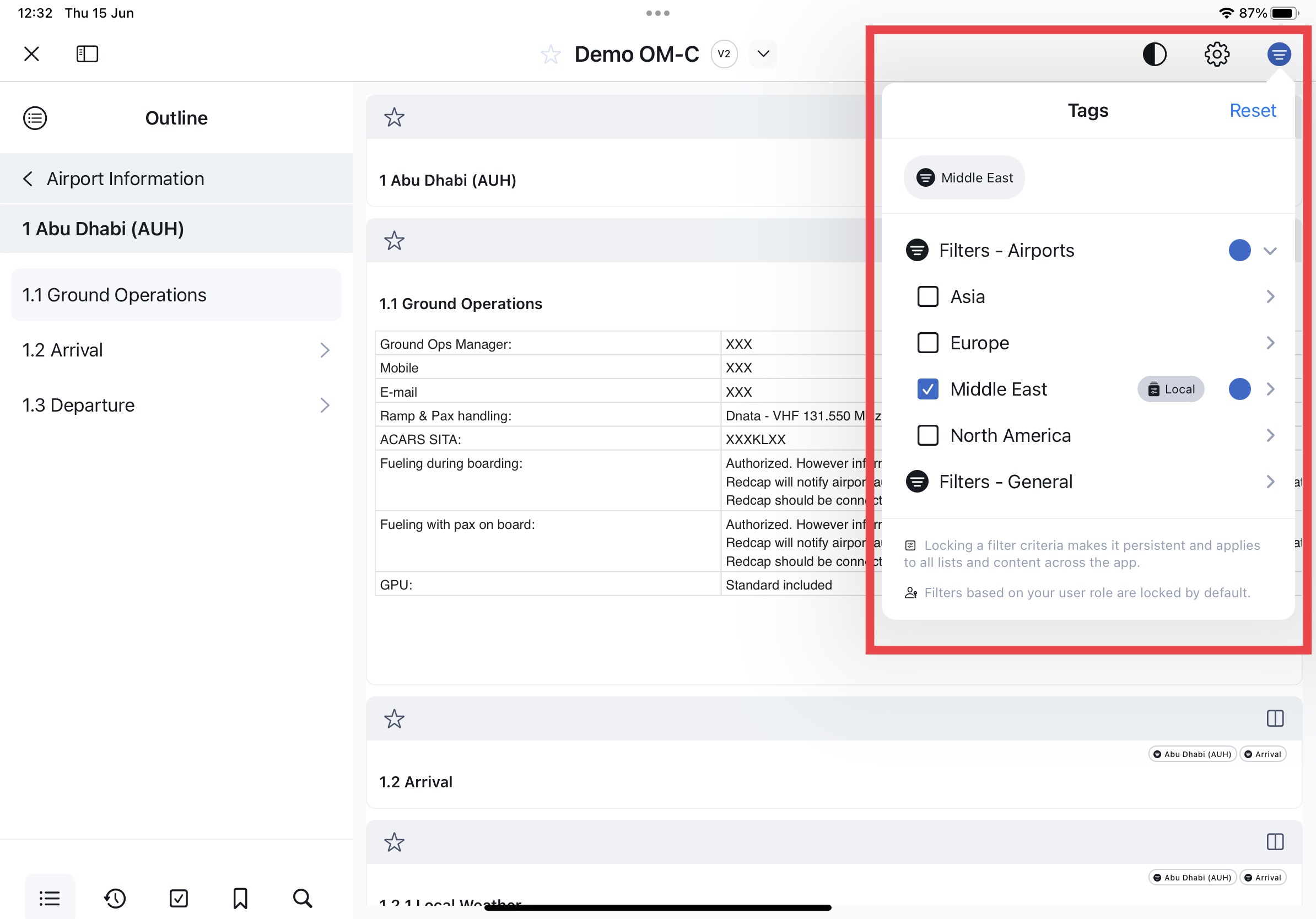
Tag selection
Clicking on the filter icon opens the pop up window to selected tags. However only tags that are applicable to the list / document will be available for your convenience.
When you manually select tags, they will be displayed prominently at the top of the filter list. Additionally, the filter icon will indicate that a filter is actively being applied. The active filter button will indicate the presence of manually selected tags.
Role based tags
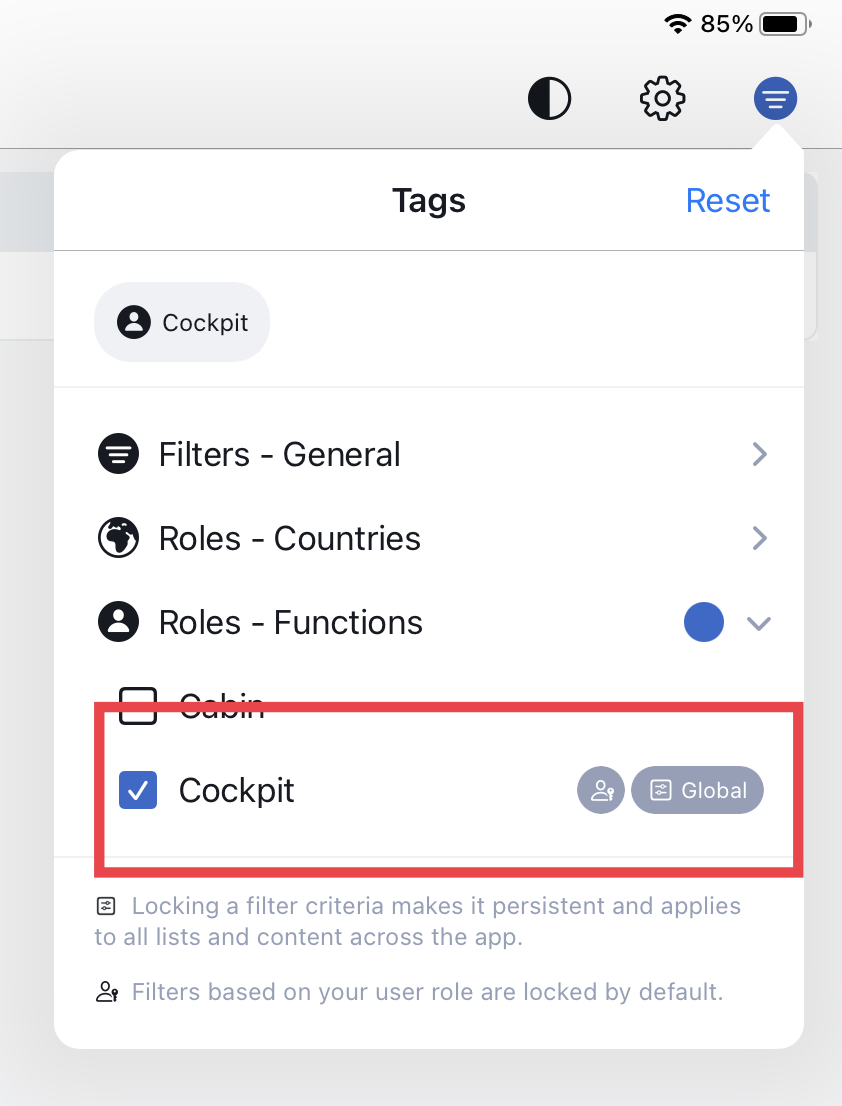
Tags which are assigned based on your user role will not be listed under the manually selected list. You can easily identify user role tags by the avatar icon when such a tag is applied to your content:
Reset tag selection
By resetting tags, the application will restore all tags associated with your user role. This action clears any other tags that were previously manually applied or modified and reverts back to the default set of tags based on your user role.
Was this article helpful?
That’s Great!
Thank you for your feedback
Sorry! We couldn't be helpful
Thank you for your feedback
Feedback sent
We appreciate your effort and will try to fix the article