TABLE OF CONTENTS
General
Deep Links provide a convenient way to share or reference specific documents directly within the app or web platform.
They can be copied and pasted into emails, documentation, chats, or other systems to allow others to open the same document instantly.
Overview
A Deep Link is a unique URL that points directly to a document or resource within the application.
When opened, it automatically navigates the user to the exact document, regardless of whether they are using the desktop app or a web browser.
Example of a Deep Link:
https://domain.com/doc/c128-42dffa-a7dfg0c-834989fd7b23e5
Use Cases
Deep Links are useful for:
Referencing documents in emails or external communications.
Embedding links in external systems (e.g., CRM, ticketing, or project management tools).
Sharing context-specific documents with colleagues or partners.
Creating a Deep Link
Open the document you want to share.
(Deep links are available for smart documents, PDF, Forms, Files and Memos)In your browser, copy the URL from the address bar.
Paste the link into an email, chat message, or external system (e.g., task tracker or support ticket).
Opening a Deep Link
When someone clicks a Deep Link:
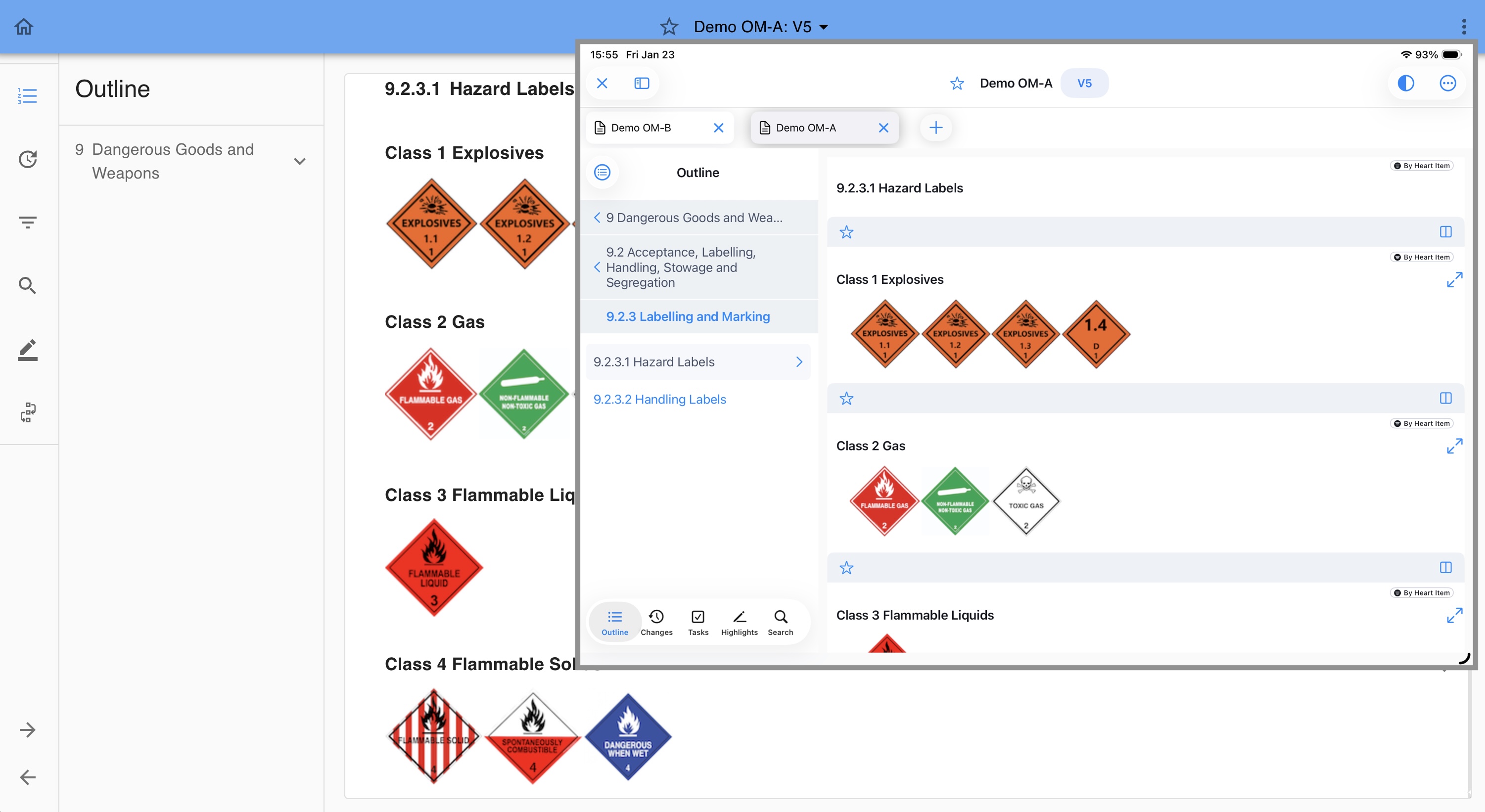
If the desktop app is installed, the document will open directly in the app (app requirement 2.0.0).
If the app is not installed, the document will open in a web browser tab.
This ensures that the link always works, regardless of the user’s platform or setup.
Note:
Users must have the necessary permissions to access the linked document. If they do not, access will be denied even when opening the Deep Link.
Was this article helpful?
That’s Great!
Thank you for your feedback
Sorry! We couldn't be helpful
Thank you for your feedback
Feedback sent
We appreciate your effort and will try to fix the article