TABLE OF CONTENTS
General
In the back-office you can administer, review submissions and change the status of a submission.
Prerequisites
- Role: frm_user (here)
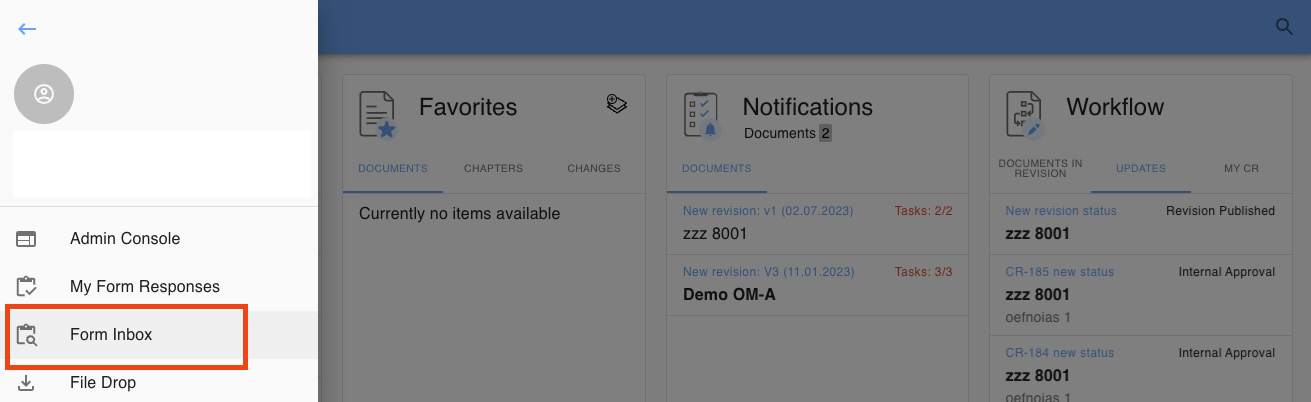
You can access the Form Inbox from your sidebar:
Select a submission
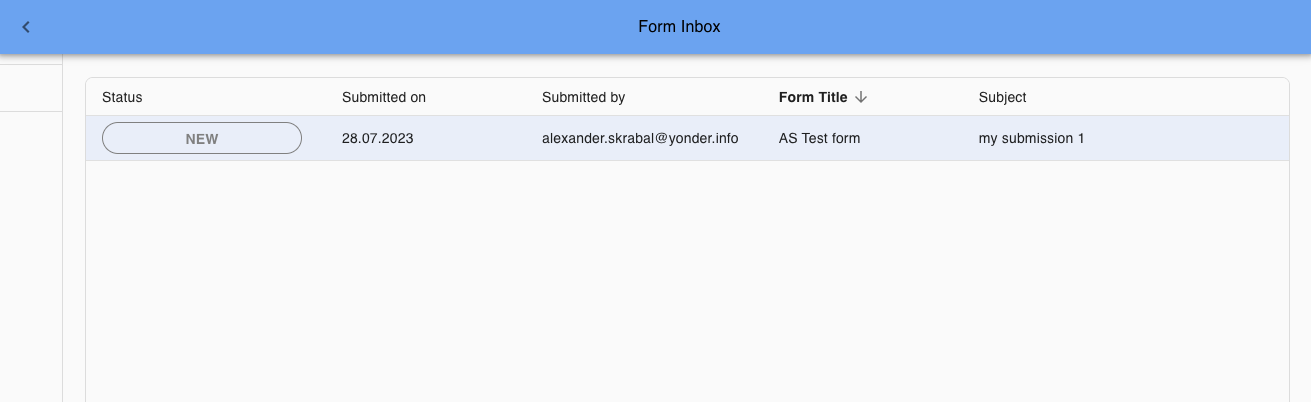
Click on a submission in order to view and manage it:
Submission sorting
In order to administer the Forms Inbox you can sort all columns in the table:
- Status
- Submitted on
- Submitted by
- For Title
- Subject
Change status of a submission
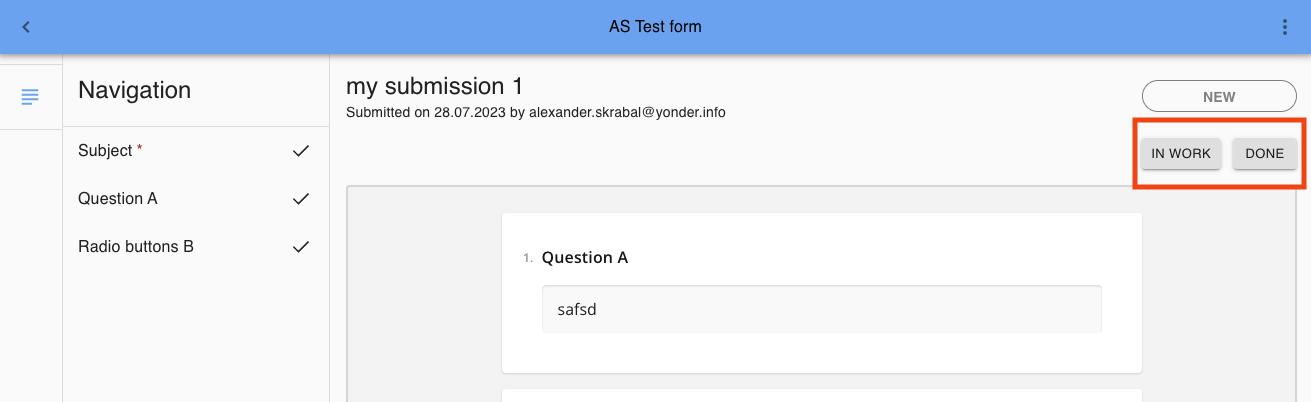
On the individual submission you can change the submission status by clicking on the corresponding button.
The status are offered as defined in the form submission types (see here):
Was this article helpful?
That’s Great!
Thank you for your feedback
Sorry! We couldn't be helpful
Thank you for your feedback
Feedback sent
We appreciate your effort and will try to fix the article