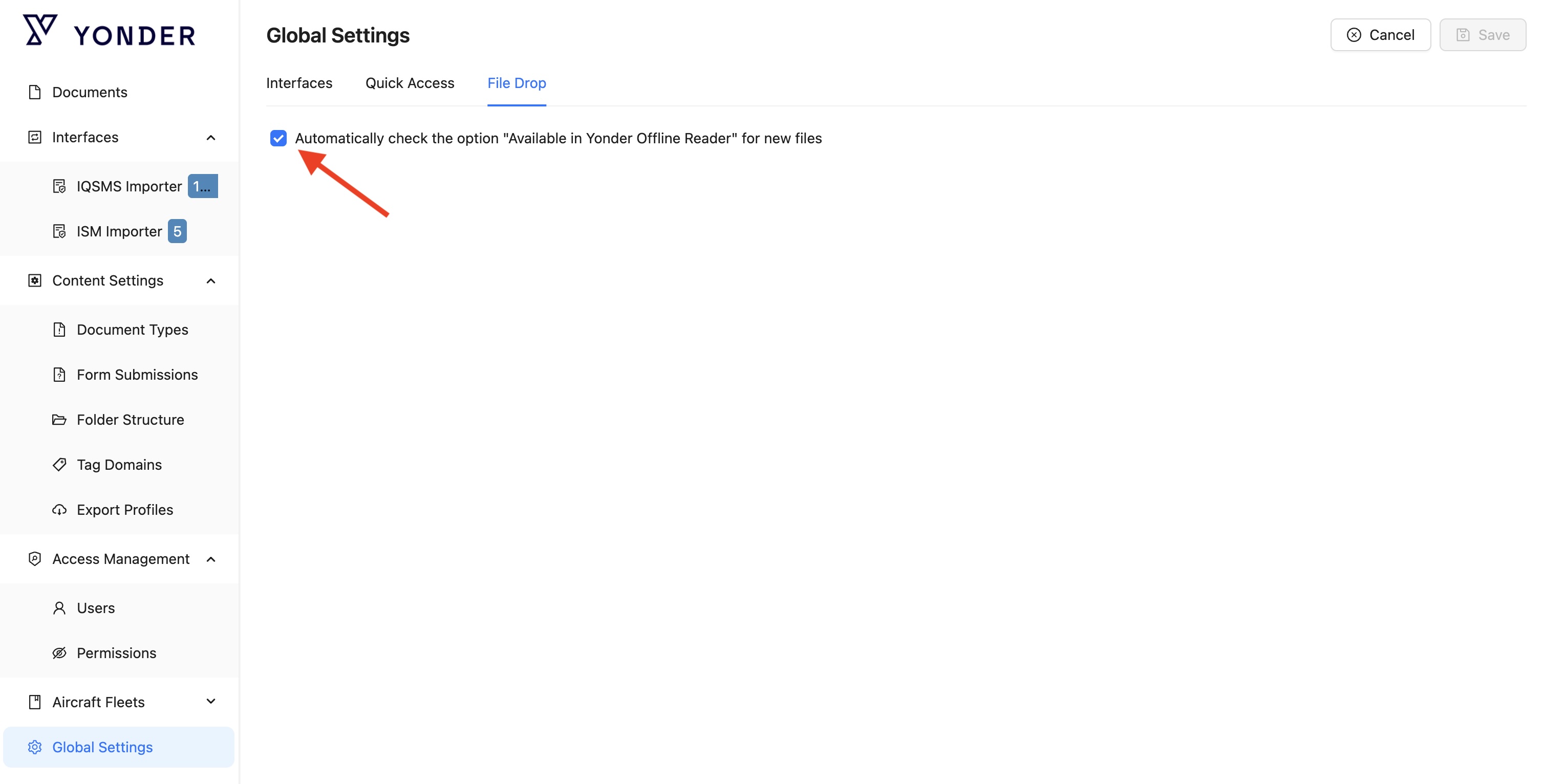
Site Administrators can define whether FileDrop files are synchronized to the Yonder Offline Reader by default.
Enabling synchronization for all files may increase storage usage on mobile devices and can extend the initial synchronization time for end users, as more content needs to be downloaded to the device.
Note: This setting only defines the default behavior for newly uploaded files. In the FileDrop Library, users with the appropriate permissions can still decide on a file-by-file basis whether a specific file should be synchronized to the Offline Reader or not.
Was this article helpful?
That’s Great!
Thank you for your feedback
Sorry! We couldn't be helpful
Thank you for your feedback
Feedback sent
We appreciate your effort and will try to fix the article