TABLE OF CONTENTS
General
The “Structure” tab allows authorized users to adjust and fine-tune properties related to the document’s structure.
For clarity, each functionality is marked with a number corresponding to the table detailed below.
| # | Functionality | Description |
|---|---|---|
| 1 | Expand view to display entire module tree | Quickly expand all modules to show the entire hierarchy. |
| 2 | Title | Shows the title of the respective information module. |
| 3 | Number | Allows users to define the numbering. The same pattern is applied to subsequent chapters until specified otherwise (if “Autonumbering” is enabled in the Metadata tab). |
| 4 | Inhibit Numbering | Allows users to skip numbering for a particular module. Numbering continues with the next module. |
| 5 | Content Flow Sequence | Provides an overview of the content flow sequence. |
| 6 | Apply Flow Sequence | Allows users to group information into a content flow by ticking the respective box. Important: Nested content flows are not allowed; this may result in content not being visible. |
| 7 | Show / Hide Title | Allows users to show or hide the module title in the Yonder Reader. |
| 8 | Show / Hide Number | Allows users to show or hide the module numbering in the Yonder Reader. |
| 9 | Show / Hide Outline | Allows users to hide the module title in the outline of the document displayed in the Yonder Reader. |
Remarks:
All structural changes are reversible.
To view changes in the Yonder Reader Online, publish the document and reload the Reader, otherwise applied changes will not be visible.
Build the Structure
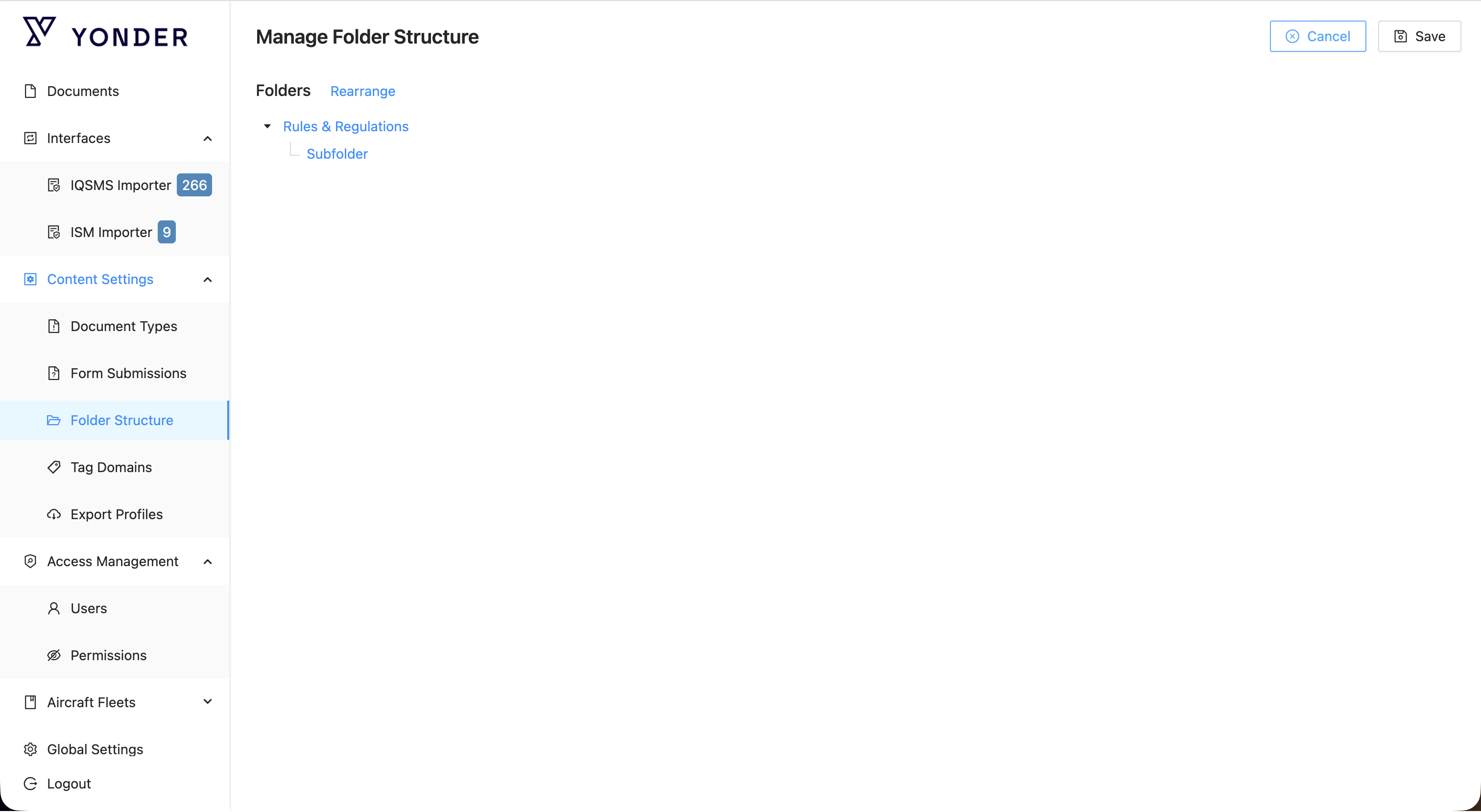
To buuild up your library structure right click on an element and select from '+ New Folder', 'Edit' or 'Delete'.
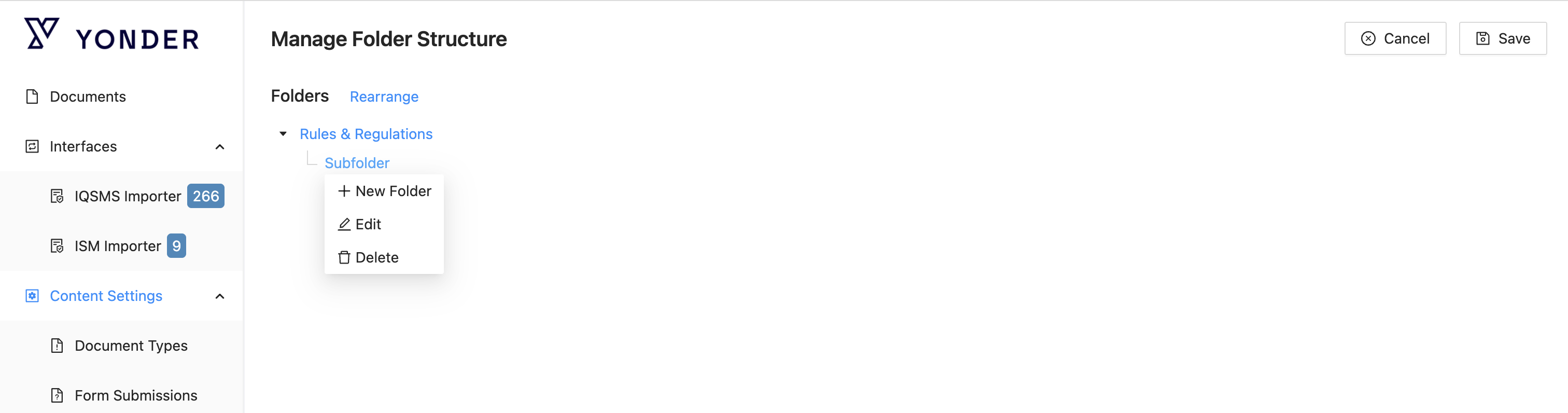
Functions
| Action | Description |
|---|---|
| + New Folder | Create a new folder within the selected element. |
| Edit | Modify the name of the selected sturctural element. |
| Delete | Remove the selected element from the library. |
Was this article helpful?
That’s Great!
Thank you for your feedback
Sorry! We couldn't be helpful
Thank you for your feedback
Feedback sent
We appreciate your effort and will try to fix the article